AI design tool
AI interior design app
Redecorly works right in your phone’s browser — nothing to install. Point, shoot, pick a style.
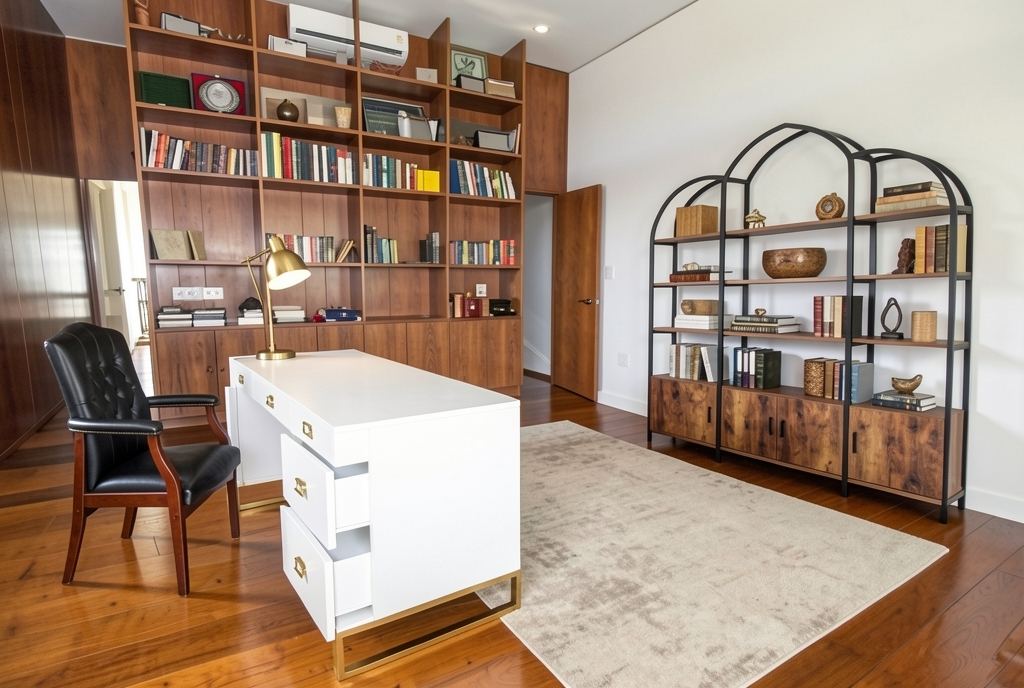
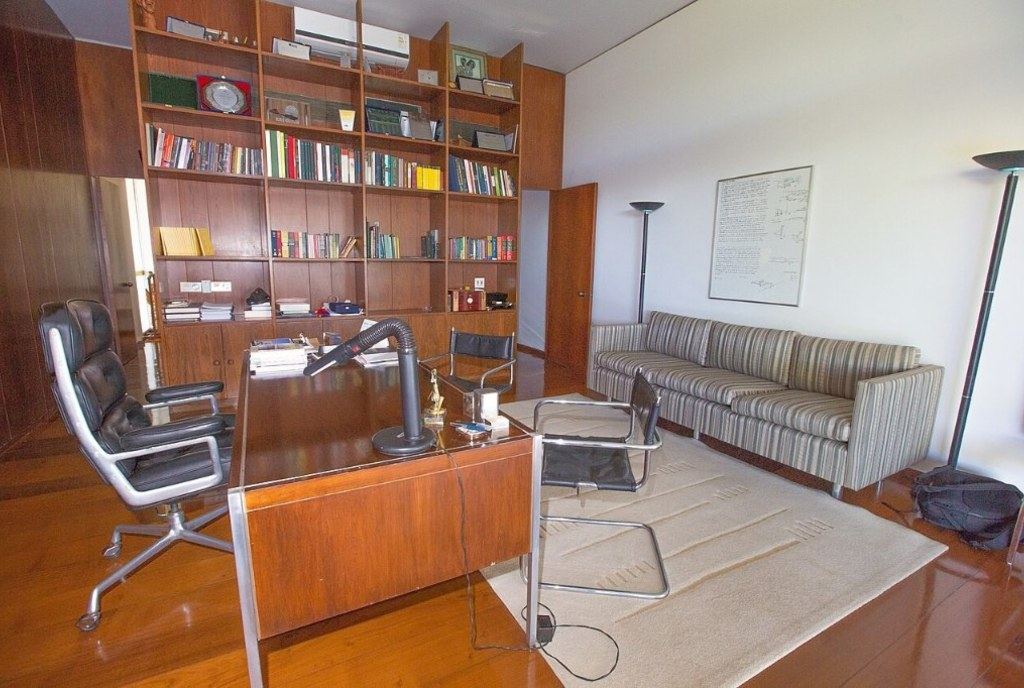
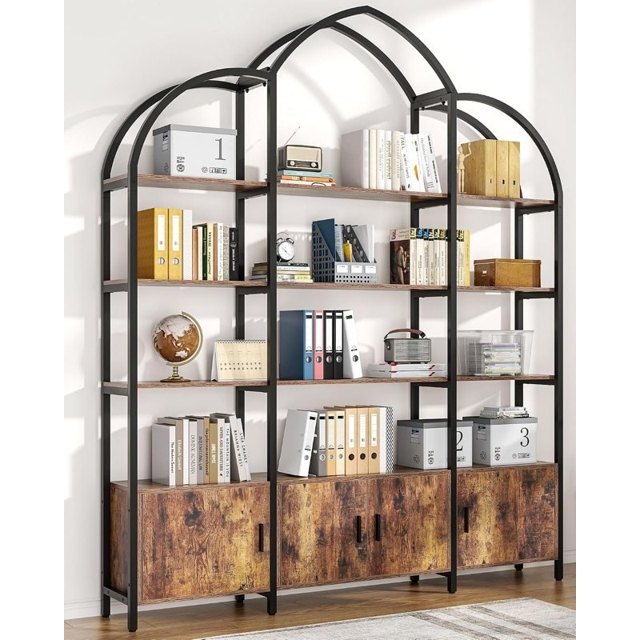
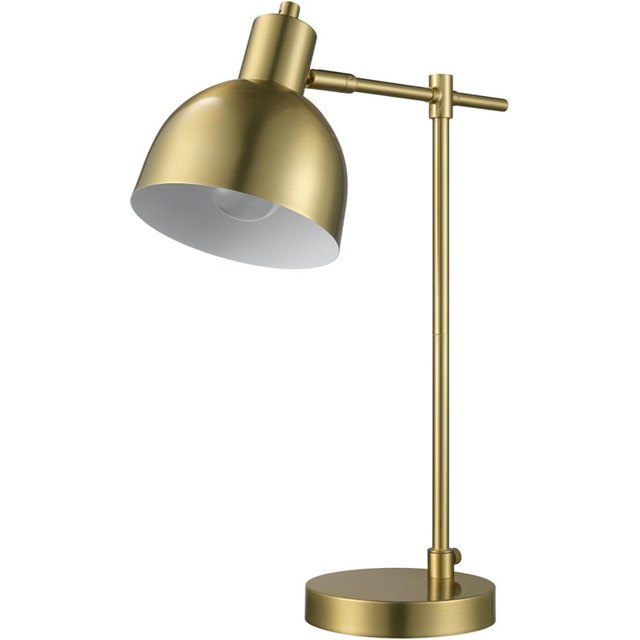
What an AI interior design app should do
A good AI design app answers one question fast: "what would my room look like if…?" It should keep your real room recognisable, give you a believable result, and tell you where to buy what you see. Those are the three things Redecorly is built around.
Using Redecorly on your phone
- Open redecorly.com and tap Redesign my room.
- Take a photo or choose one from your camera roll.
- Choose the room type and one of six styles: Modern, Cozy, Luxury, Minimal, Boho or Kids.
- Pick a full redesign or Only part, wait a few seconds, then drag to compare before and after.
Try it on your own room
Snap a photo of your room, pick a style, and see it redesigned in seconds — then shop every piece in the picture.
Try it freeReal products, not just pictures
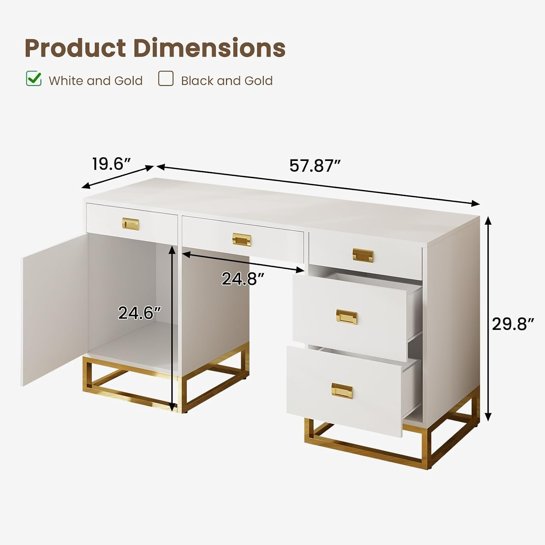
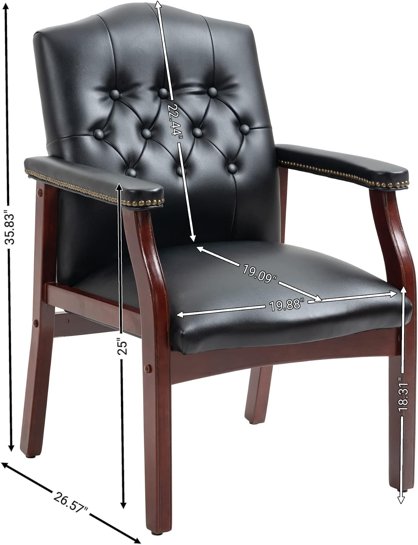
Every result comes with a shopping list of real items that match the main pieces in the design — the bed, sofa, desk, lamps, rug, chairs and more — each linked to Amazon. You can save the look or share a link with someone you are decorating with.
Getting a better result
- Shoot in landscape from a corner of the room, with the lights on.
- Include the floor and at least one window; it helps keep the room's shape.
- Don't worry about clutter — the redesign clears it.
Limits to know
Any AI design is a preview. Products are close matches, not always the exact item in the picture, and furniture sizes are not measured from your photo. Use the design to choose a direction, then check dimensions before you buy.
Who it is for
Renters who want ideas without commitment, new homeowners furnishing a room from scratch, couples deciding on a style together, and anyone who has stared at an empty corner for months.
FAQ
Do I need to download an app?
No. Redecorly runs in the browser on iPhone, Android and desktop. You can add it to your home screen if you like.