AI design tool
Room makeover app
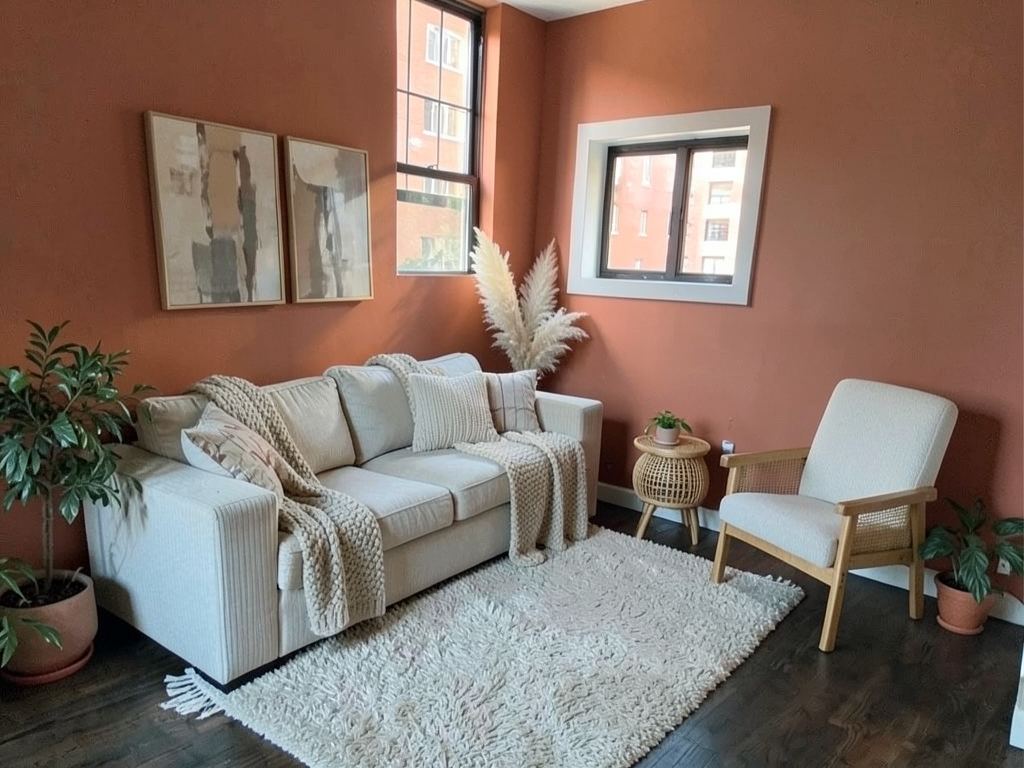
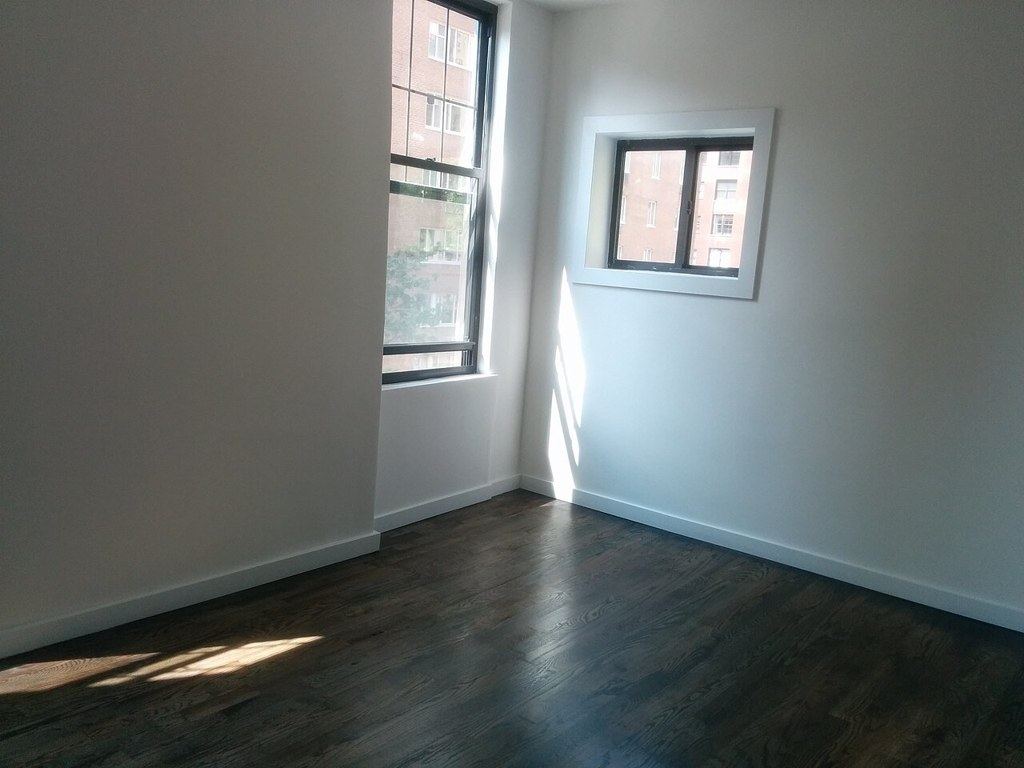
The hardest part of a makeover is deciding. Redecorly shows you the finished room first.



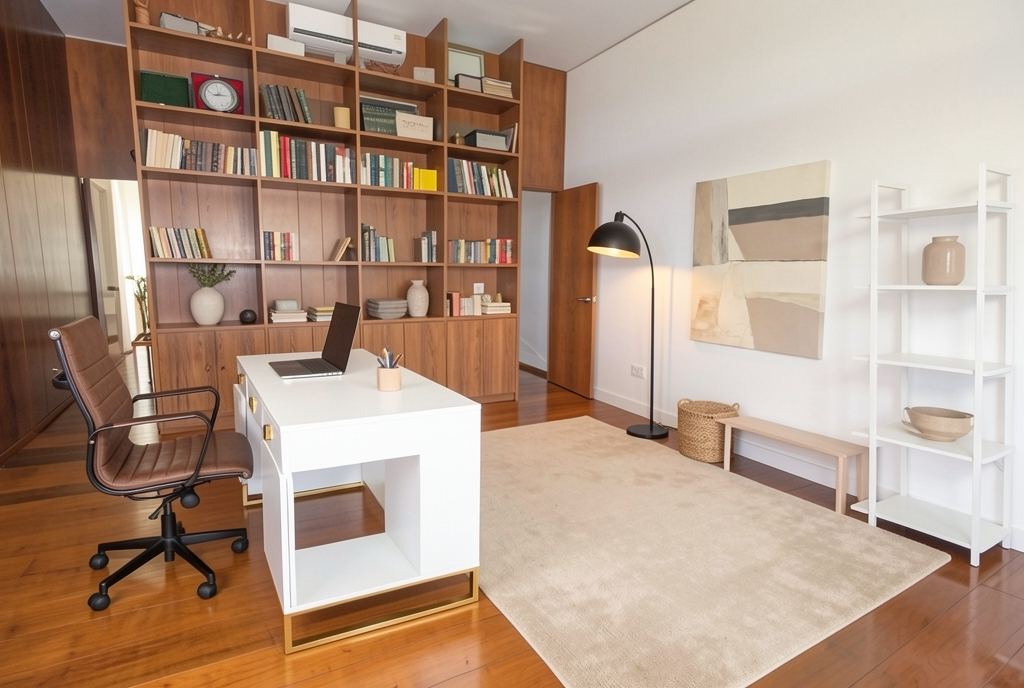
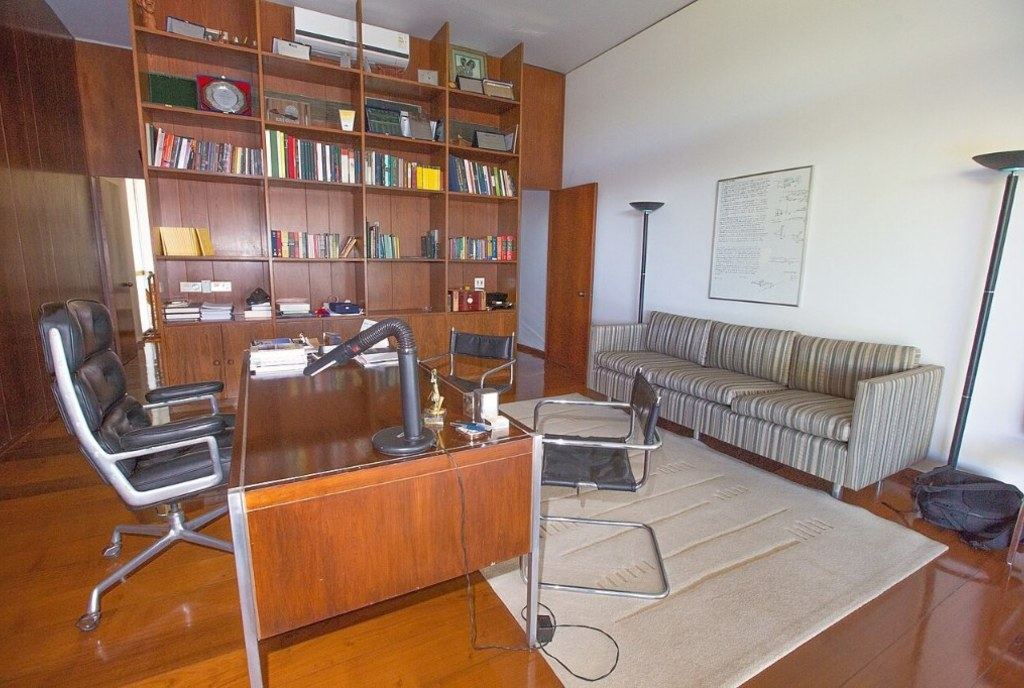
Plan the makeover before you buy
Most makeovers stall on decisions: which style, which sofa, which rug. Seeing your own room finished — in a few seconds — makes those decisions much easier, and avoids buying pieces that do not work together.
A simple makeover plan
- Day 1: photograph the room and try three styles in Redecorly. Pick the one you keep coming back to.
- Day 2: declutter and measure. Note the sofa wall, window widths and walkways.
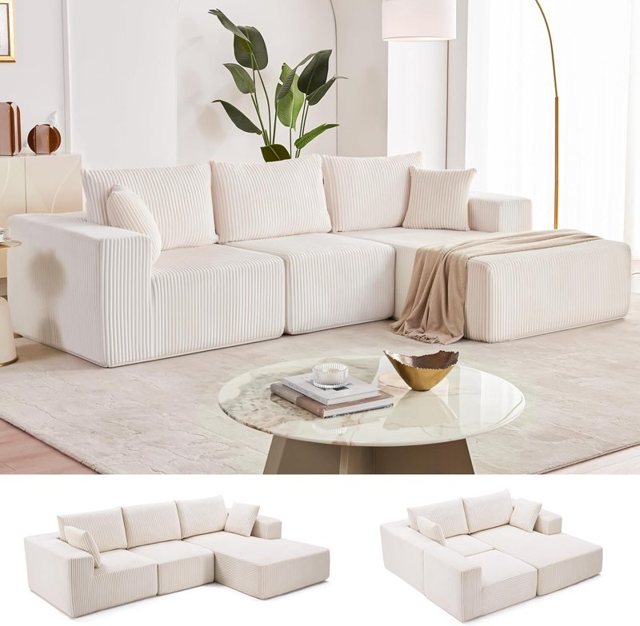
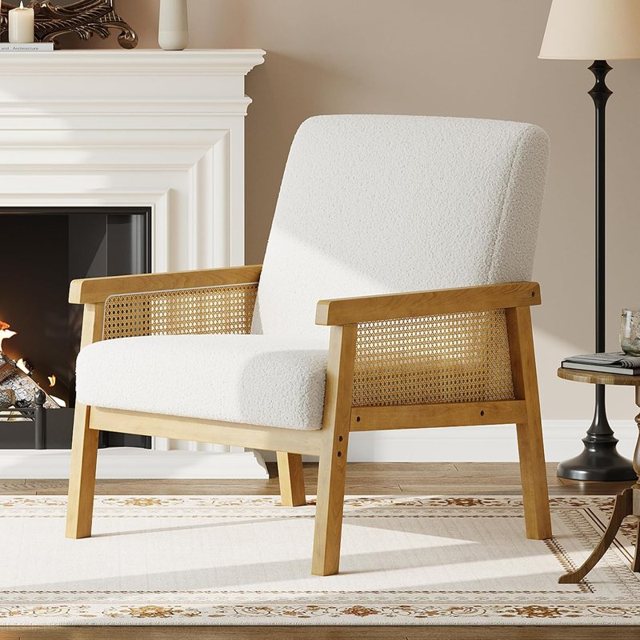
- Day 3: use the design's shopping list as your starting list; swap any piece that does not fit your sizes or budget.
- Then: paint and lighting first, big furniture next, rug and textiles, art last.
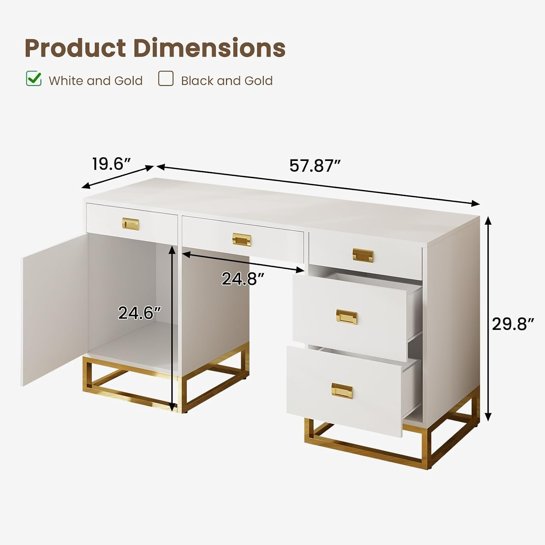
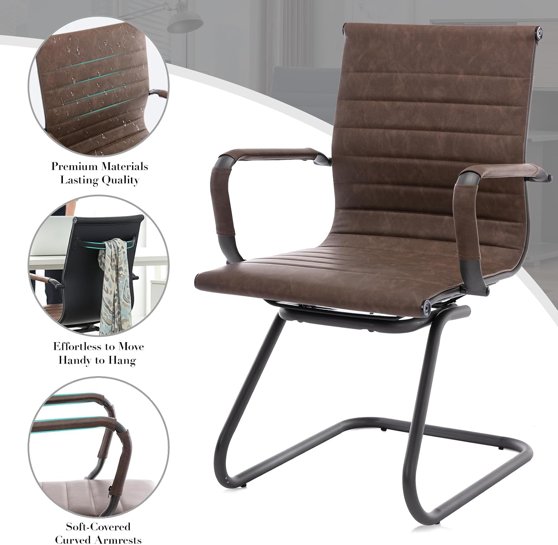
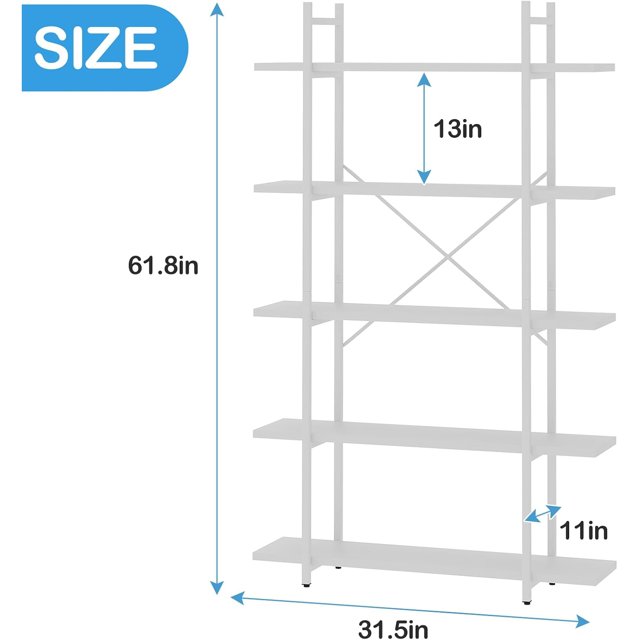

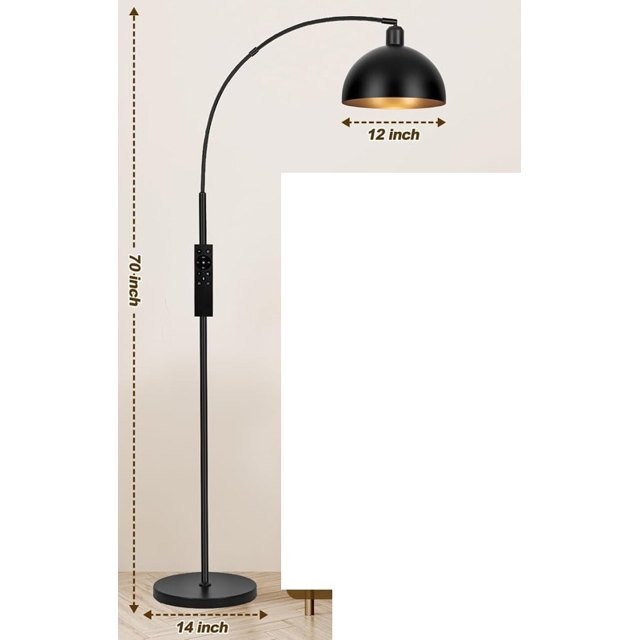
Try it on your own room
Snap a photo of your room, pick a style, and see it redesigned in seconds — then shop every piece in the picture.
Try it freeSmall makeovers count too
Not every makeover is a whole room. Use Only part to redesign just the reading corner, the wall above the bed, or the lighting. Small changes can make a room feel new.
Budget the makeover
Add up the shopping list, then decide where to spend and where to save. In most rooms, spend on what you sit or sleep on and on the rug; save on decor and side tables.
Share it
Every design gets its own link, so you can send it to a partner, roommate or landlord and decide together.
Good to know
Designs are AI previews from your photo. Product matches are close, not always identical, and you should check dimensions before ordering.
Mistakes to avoid
- Buying the sofa before choosing the rug and paint — plan the whole room first.
- Doing everything at once and running out of budget halfway.
- Skipping the declutter step; new furniture cannot fix too much stuff.
FAQ
How much does a room makeover cost?
It depends on the room and how much you replace. Using the design shopping list, add up the pieces you need and mark what you already own; most people phase a makeover over a few months.