AI design tool
Redesign my room from a photo
One photo is all it takes. Here is how to take one that gives you the best redesign.
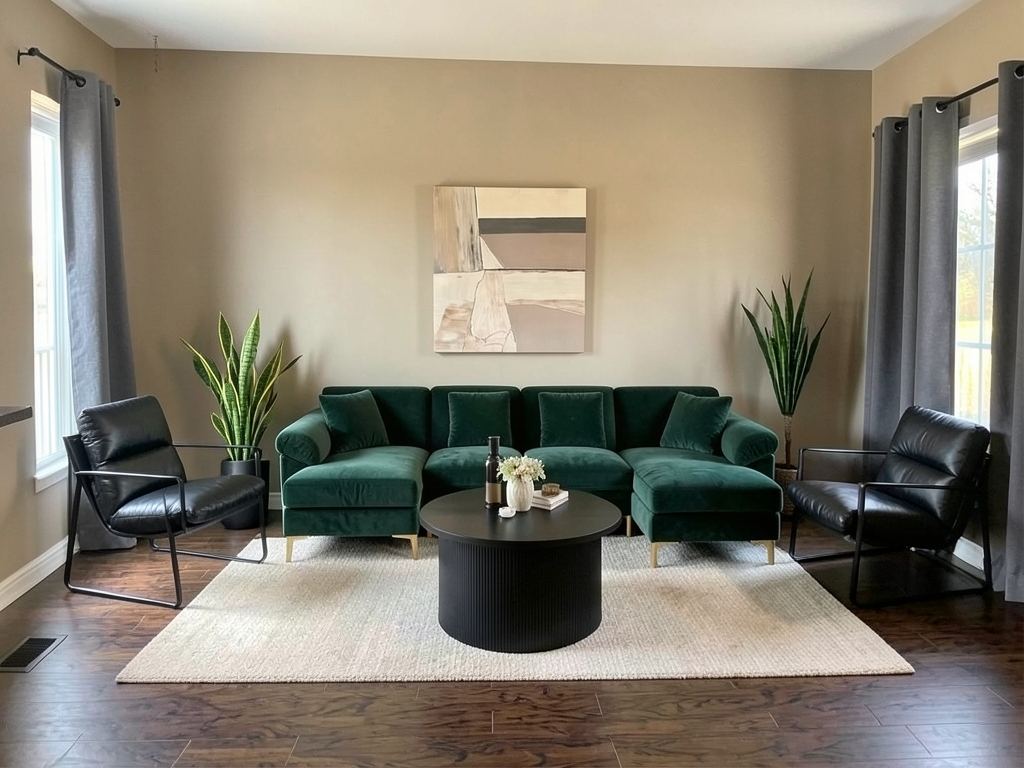
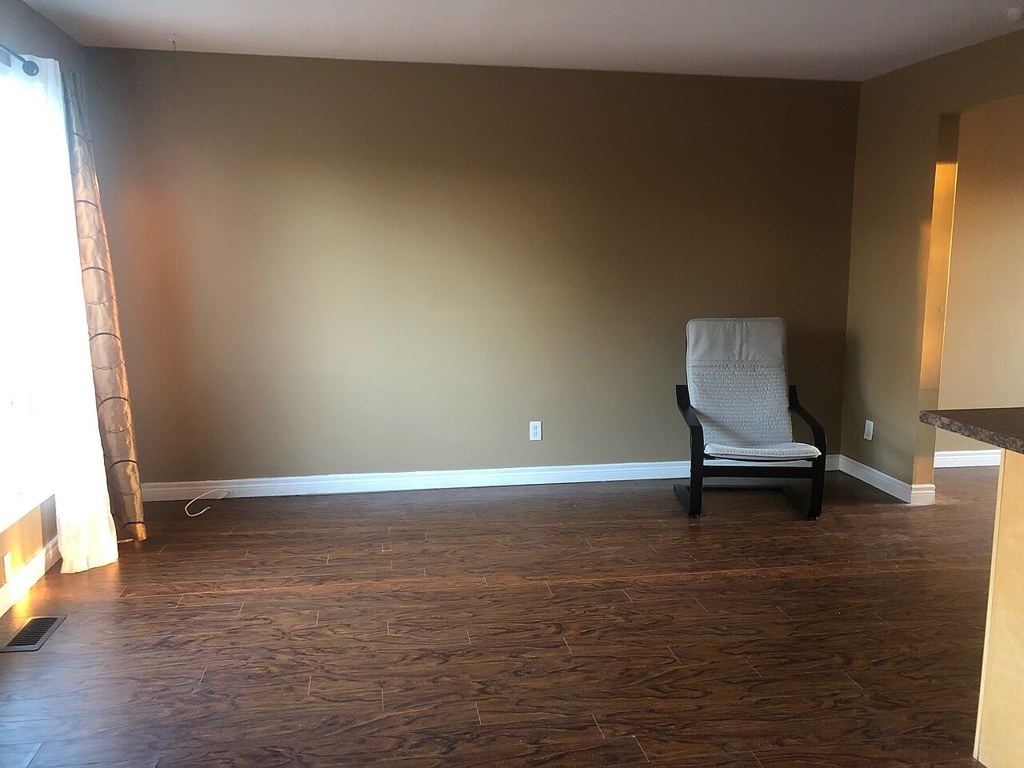
Shop this look
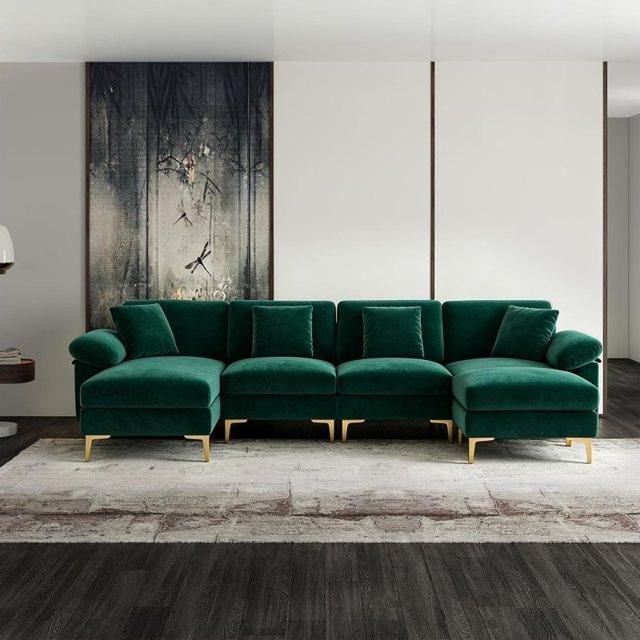
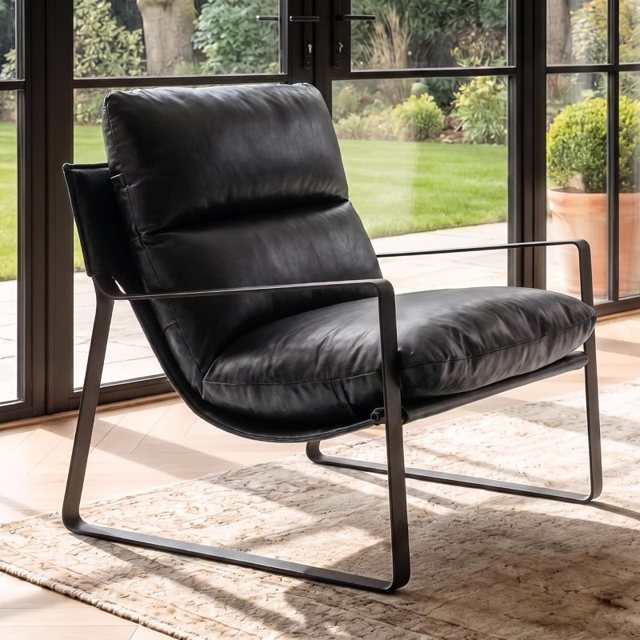
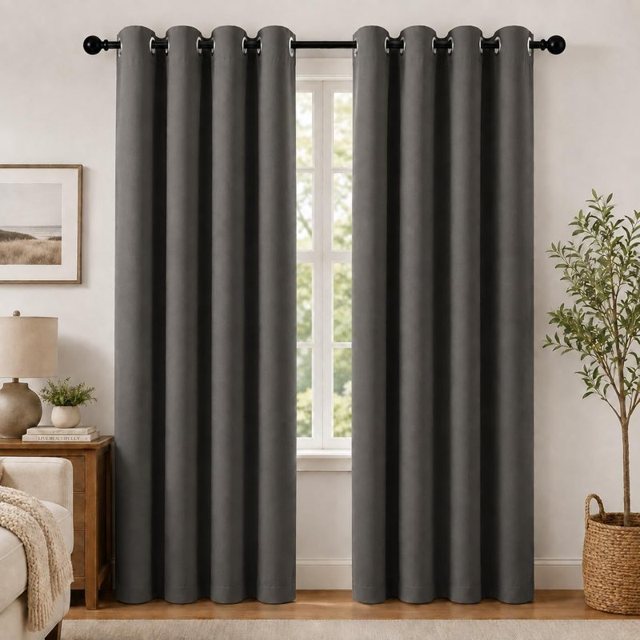
Taking the right photo
- Stand in a corner or doorway and shoot toward the opposite corner — this shows two walls and most of the floor.
- Hold the phone at chest height and keep it level, in landscape if you can.
- Use daylight and turn the lights on too; dark photos give muddier results.
- Include a window and the floor. These anchor the room's shape.
- Leave people and pets out of the frame.
Then pick a style
Choose the room type and one of Redecorly's styles: Modern, Cozy, Luxury, Minimal, Boho, or Kids for children's rooms. If you are unsure, start with the style closest to what you already own, then try one bolder option.
Try it on your own room
Snap a photo of your room, pick a style, and see it redesigned in seconds — then shop every piece in the picture.
Try it freeFull room or just one part
A full redesign restyles the whole room. Only part changes a single area — a wall, a corner, the sofa zone or the lighting — and leaves the rest alone. It is ideal when you like most of your room already.
What stays and what changes
Redecorly keeps the architecture: walls, windows, doors, ceiling and floor stay where they are. Furniture, decor, rugs, lighting and styling are redesigned. Clutter is cleared, so the result shows the room's potential.
Shop the result
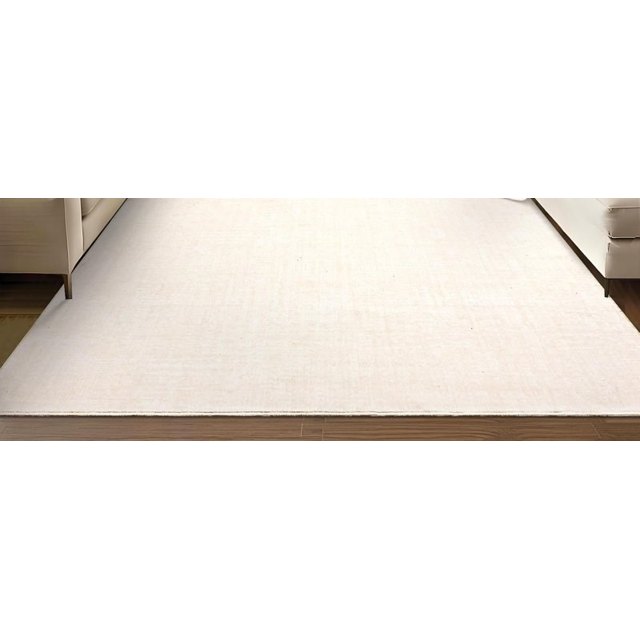
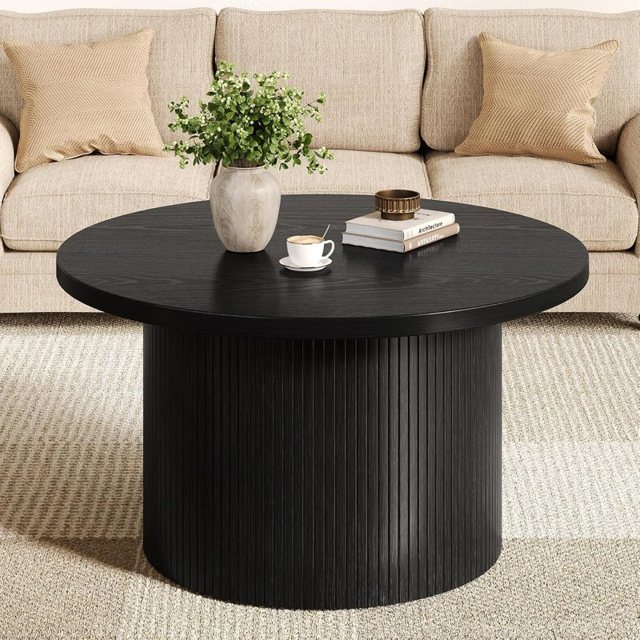
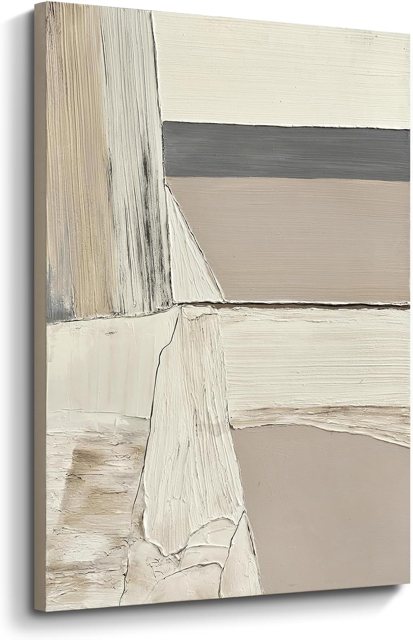
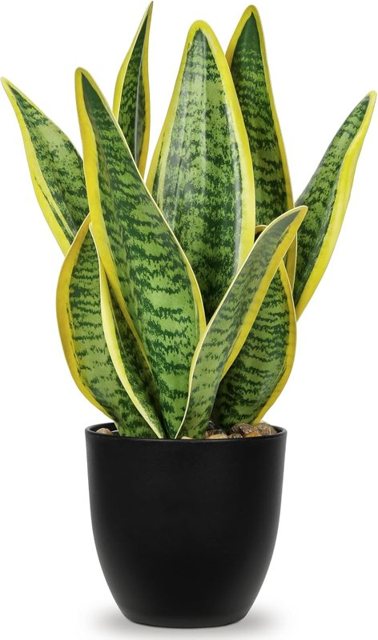
Under every design you will find the main pieces as real products on Amazon. Tap through to check size, color and reviews before you buy.
Try a few versions
Run the same photo two or three times or in different styles. Designers always show clients options; you should see some too.
Mistakes to avoid
- Close-up photos of one piece of furniture — show the room.
- Shooting straight into a bright window.
- Wide-angle lens distortion at the edges; step back instead of using 0.5×.
FAQ
Does Redecorly change my walls or windows?
No. It keeps the room itself — walls, windows, doors and floor — and redesigns the furniture and decor.
Can I use a photo of a messy room?
Yes. The redesign removes clutter, so a messy photo works fine. Just keep people and pets out of the shot.