AI design tool
Virtual room designer
Forget dragging 3D furniture around a floor plan. Redecorly designs from a photo of the room you actually have.
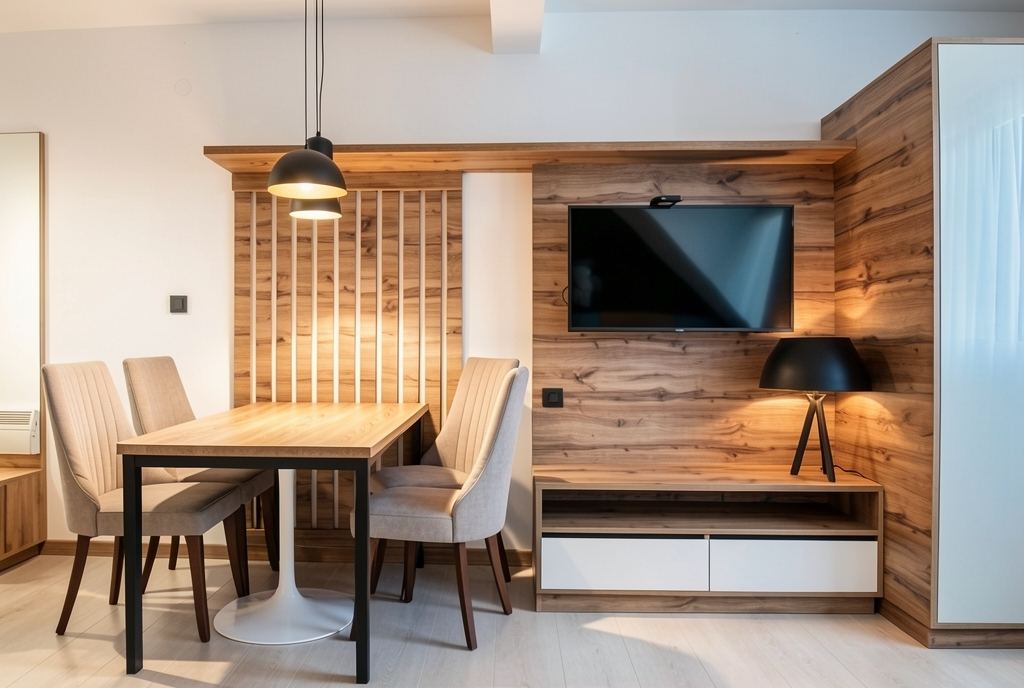
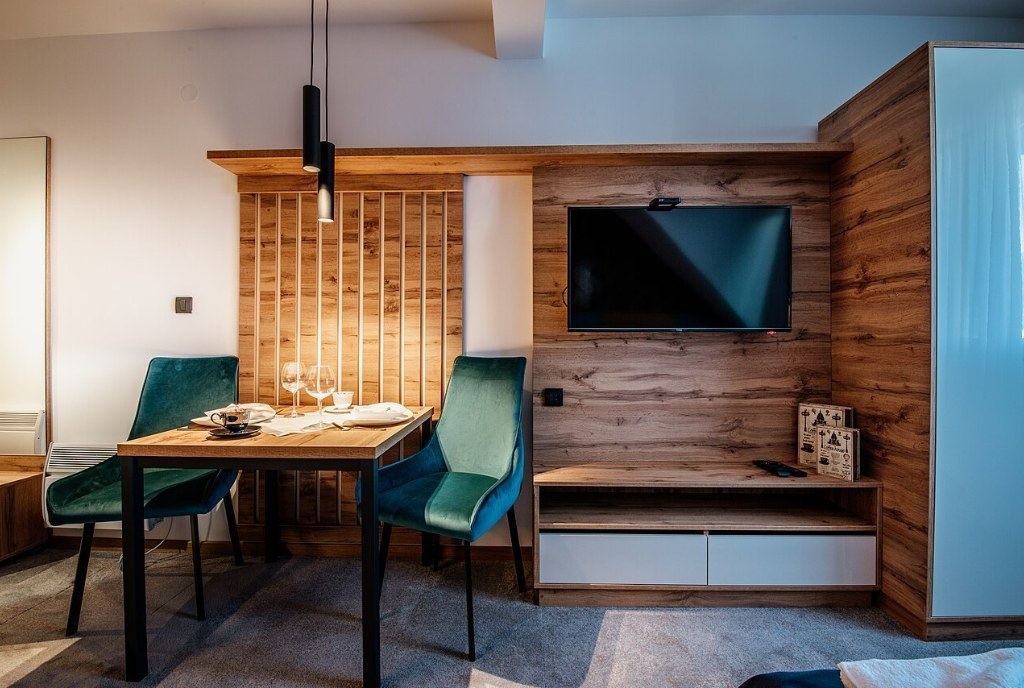
Shop this look
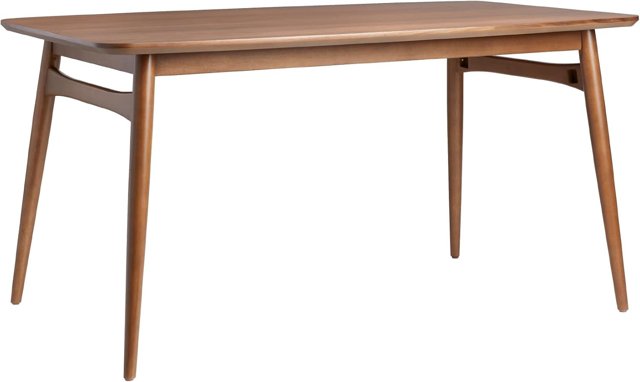 Walnut mid-century dining tableabout $300 · Amazon
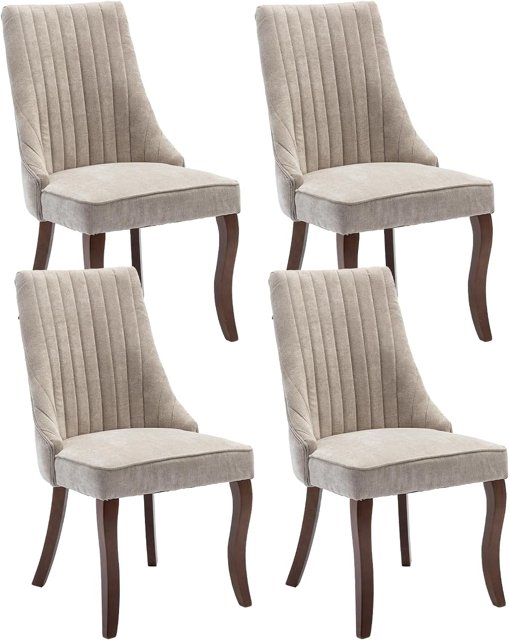 Beige upholstered dining chairs (set of 4)about $260 · Amazon
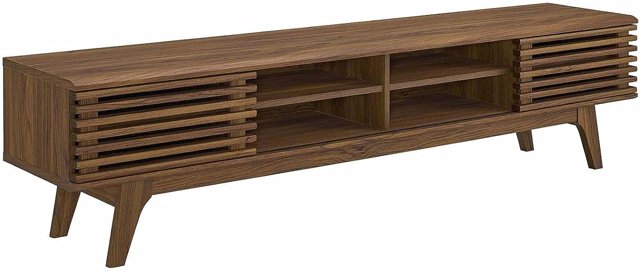 Modway Render walnut TV standabout $215 · Amazon
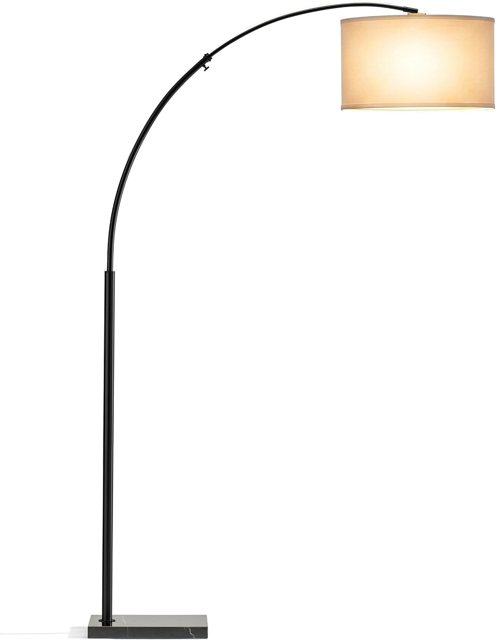 Brightech Logan arc floor lampabout $60 · Amazon
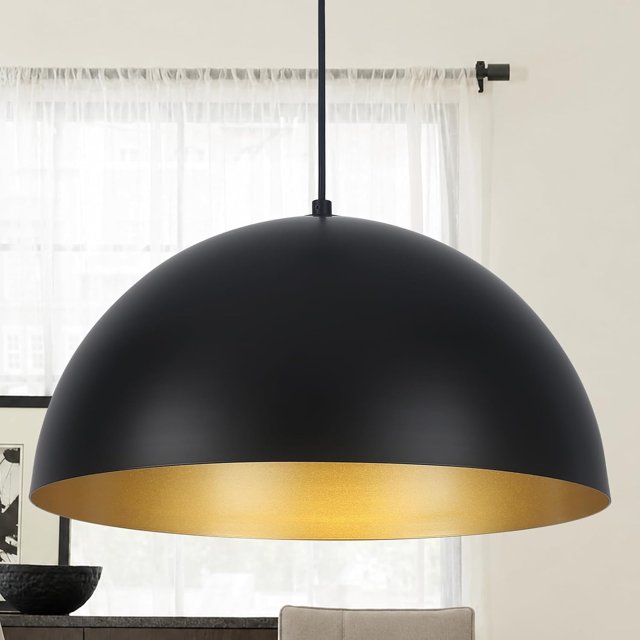 Black dome pendant lightabout $100 · Amazon
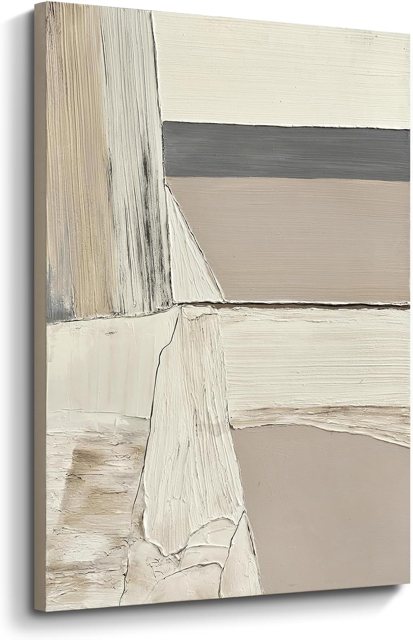 Neutral abstract canvas art 24x36about $85 · Amazon
Photo-based vs. floor-plan designers
Traditional virtual room designers ask you to draw walls, set dimensions and place 3D models one by one. That is precise, but slow. A photo-based designer like Redecorly skips the setup: it reads your photo, keeps the architecture, and redesigns the furnishings in a chosen style in seconds.
When each makes sense
- Use a photo-based designer to choose a style, compare looks, get ideas for a tired room, or show someone what you mean.
- Use a floor-plan tool when you need exact measurements for a renovation or built-ins.
- Many people use both: Redecorly to pick the direction, a tape measure to confirm sizes.
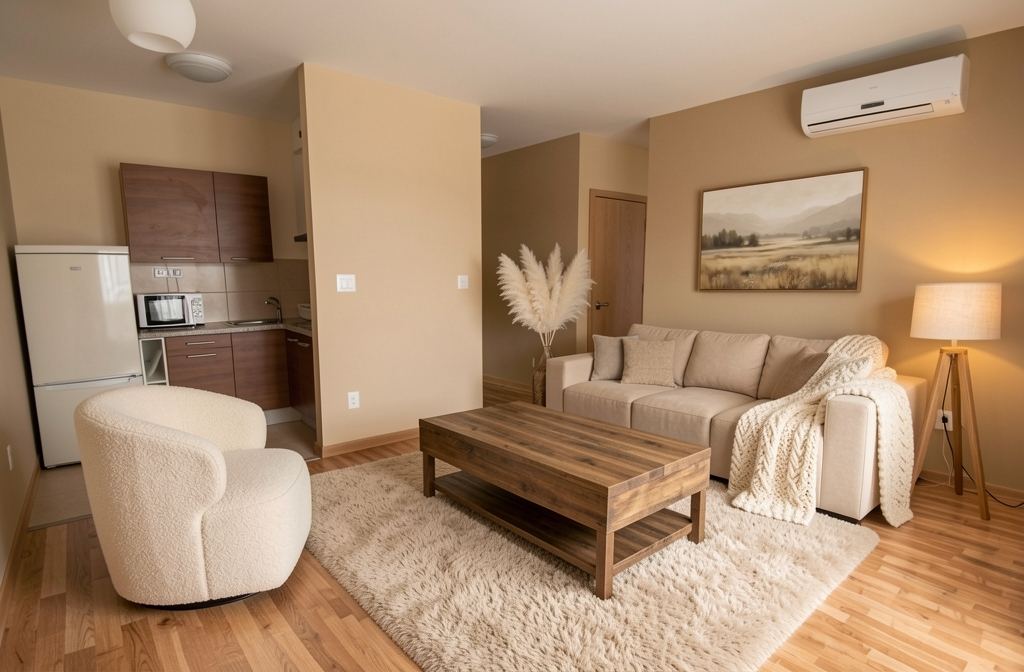
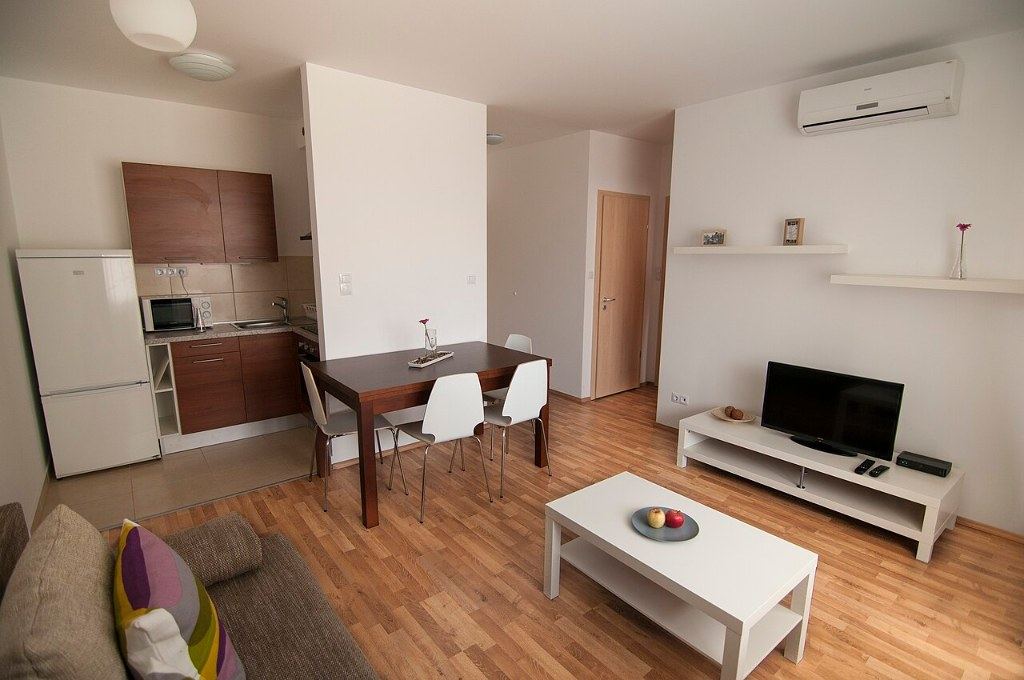
Shop this look
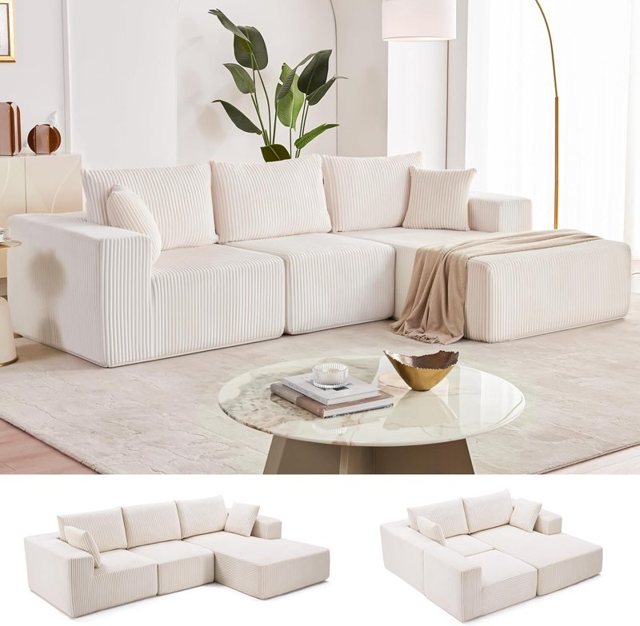 Beige deep-seat sectionalabout $380 · Amazon
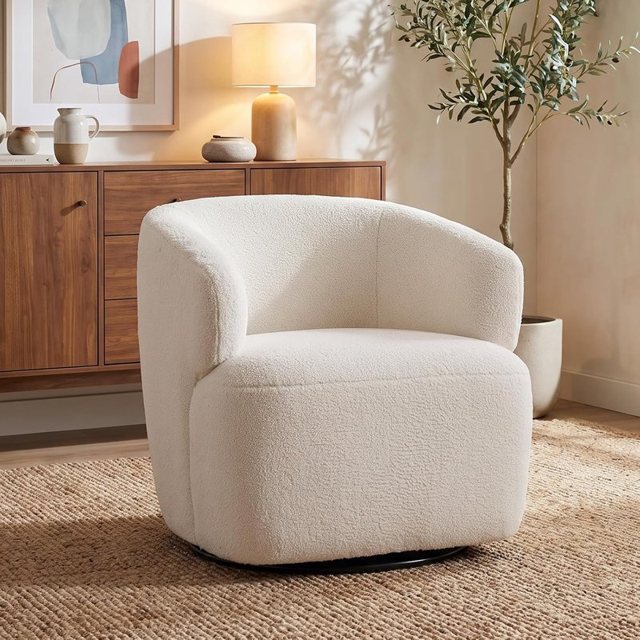 Cream sherpa swivel chairabout $310 · Amazon
 Fluffy beige shag rugabout $30 · Amazon
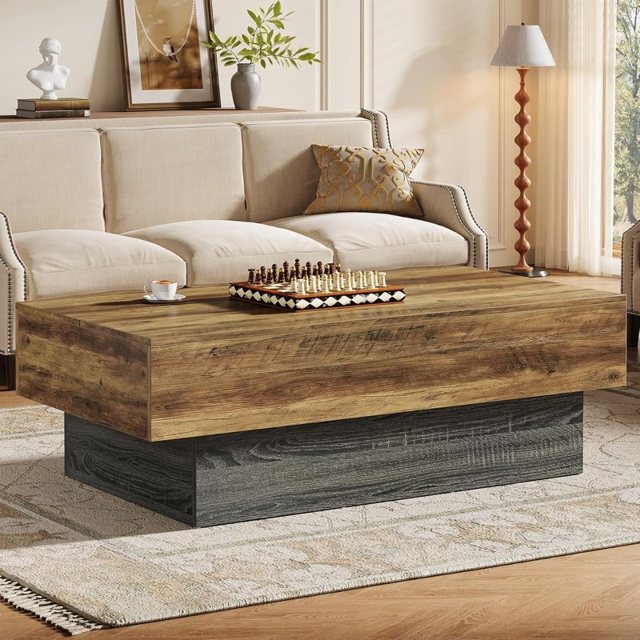 Rustic farmhouse coffee tableabout $170 · Amazon
 Misty landscape canvasabout $67 · Amazon
 Tall white pampas grassabout $30 · Amazon
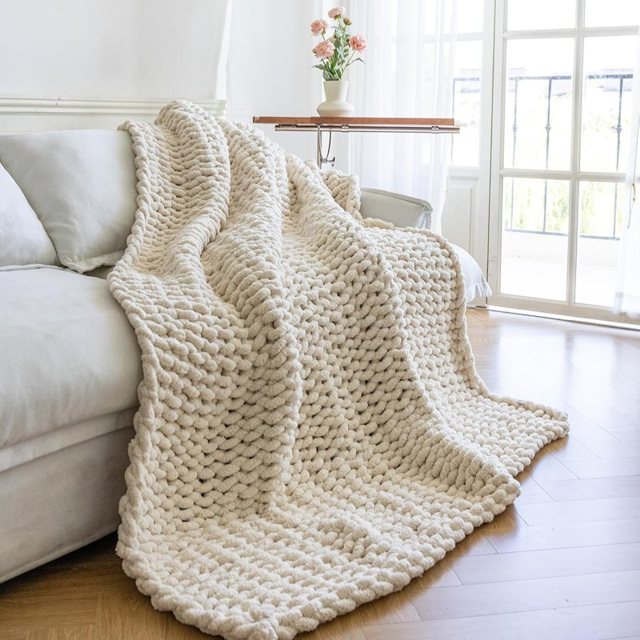 Cream chunky knit throwabout $39 · Amazon
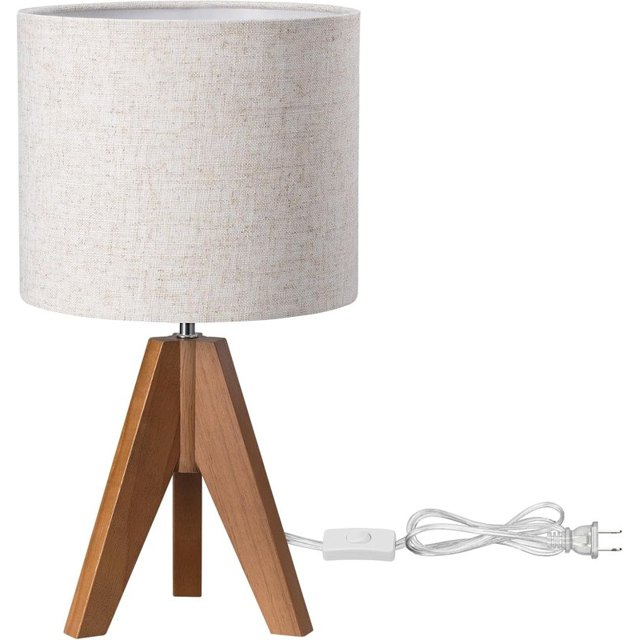 Tripod linen table lampabout $26 · Amazon
Try it on your own room
Snap a photo of your room, pick a style, and see it redesigned in seconds — then shop every piece in the picture.
Try it freeTry several styles on one room
Upload once and switch between Modern, Cozy, Luxury, Minimal and Boho (and Kids for children's rooms). Seeing the same room in different looks is the fastest way to discover what you actually like.
Design part of a room
With the Only part mode you can redesign just one zone — the wall behind the sofa, an empty corner, the dining area or the lighting — while keeping the rest of the room as it is.
From design to cart
Each result includes a list of real products that match the main pieces in the picture, linked to Amazon. That is what turns a pretty picture into a plan.
Tips
Use a bright, wide photo; shoot from a corner; and try the same photo in two styles before deciding. Check measurements before you order furniture.
Mistakes to avoid
- Using a dark, tightly cropped photo — the designer can only work with what it sees.
- Ordering furniture straight from a picture without measuring.
- Judging a style from one try; run it twice before deciding.